
Internet Radio Station
What Do You Need to Start an Internet Radio Station in 2026?
Starting an internet radio station in 2026 is much simpler than many people expect.
You do not need a commercial studio, an expensive mixing console, or thousands of dollars in equipment before you can get on the air.
For a basic live internet radio station, you need four main things:
A computer with a reliable internet connection.
A microphone or another audio source.
Broadcasting software.
An internet radio hosting account.
Everything else can be added as your station grows.
This guide explains what each part does, what to look for, and how to put everything together for your first broadcast.
Requirement 1: A Computer and Reliable Internet Connection
Your computer is the center of your broadcasting setup.
It runs your broadcasting software, receives your microphone or mixer audio, and sends the finished stream to your radio hosting server.
You do not necessarily need a brand-new computer.
If your current computer can run your broadcasting software reliably alongside the other applications you use during a show, it may already be enough.
Test what you own before buying another computer specifically for radio.
Your Internet Connection Matters
Internet radio broadcasting depends on upload speed because your computer is continuously sending audio to your hosting server.
Your required upload bandwidth depends on the bitrate you are broadcasting at and what else is using your internet connection at the same time.
A connection with plenty of available upload bandwidth is preferable to operating close to your connection’s limit.
More important than a high advertised speed is consistency.
If your connection frequently drops or becomes unstable, listeners may hear interruptions even if a speed test sometimes shows excellent numbers.
Use Ethernet When Possible
Wi-Fi can work for internet radio, but a wired Ethernet connection is usually preferable for a permanent broadcasting setup.
A wired connection removes some of the interference and signal-strength variables that can affect Wi-Fi.
If Ethernet is available where you broadcast, use it.
Windows, Mac, or Linux?
You can broadcast internet radio from Windows, macOS, or Linux.
The best operating system is generally the one you already know and that supports the broadcasting software you want to use.
You do not need to change computers simply because you are starting a station.
Requirement 2: A Microphone or Audio Source
If you plan to speak on your station, you will need a microphone.
If you are a DJ, your main audio source may instead come from a DJ controller or mixer, with a microphone added for announcements and interaction.
You do not need the most expensive microphone available.
Clear, properly positioned audio is more important than buying equipment because it has a famous name.
USB Microphones Are Easy to Start With
A USB microphone connects directly to your computer without requiring a separate audio interface.
That makes USB one of the easiest options for a new talk-show host, presenter, or broadcaster working from a home setup.
Popular options include microphones such as the Audio-Technica ATR2100x and Samson Q2U, both of which also provide an upgrade path if you later move into an XLR-based studio setup.
Prices change frequently, so compare current pricing before buying.
A Pop Filter or Windscreen Can Help
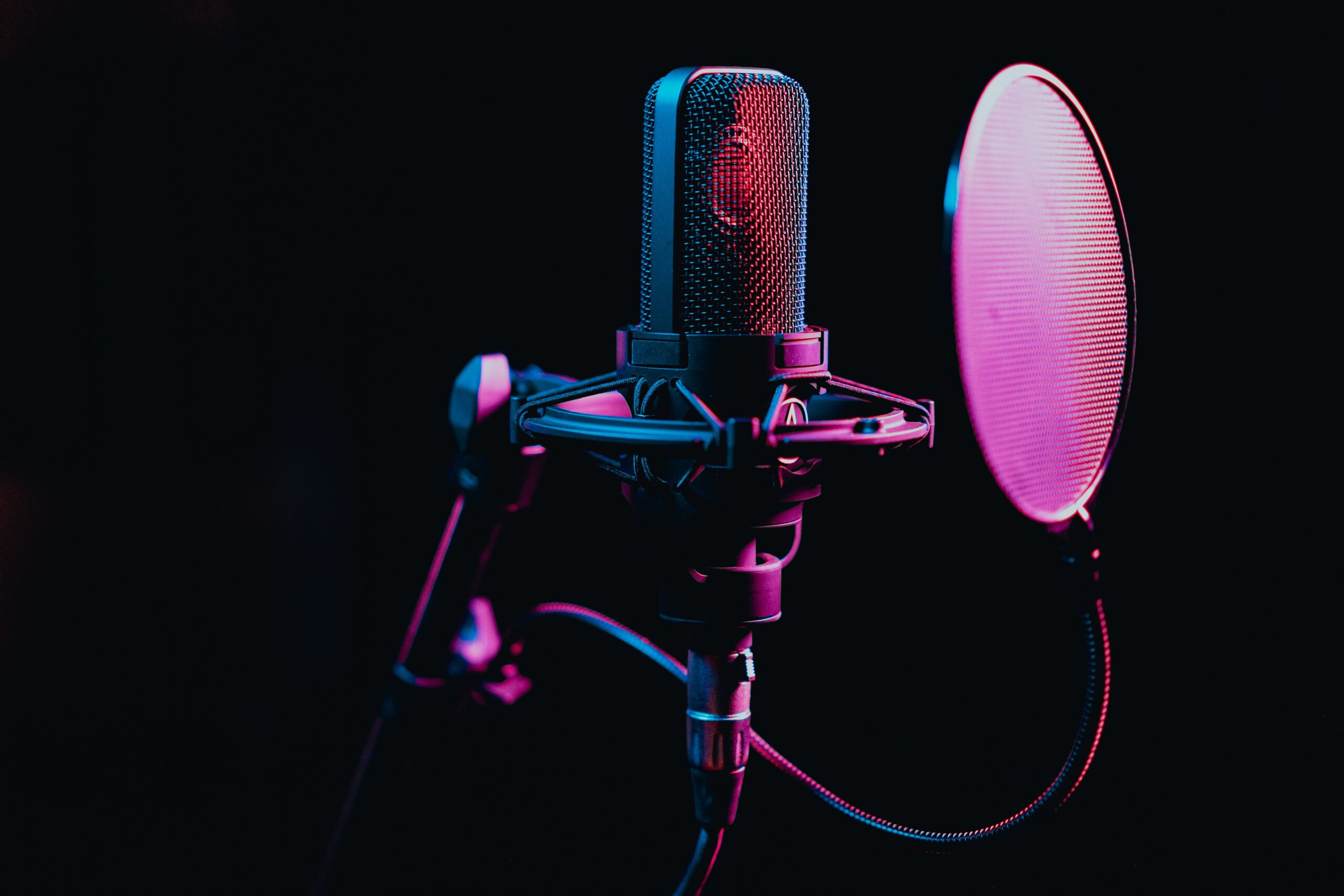
A pop filter or windscreen helps reduce the bursts of air created by sounds such as P and B.
It is a simple accessory that can make voice audio sound cleaner without requiring a major investment.
You Do Not Need a Full Studio Yet
A mixer, XLR microphone, audio interface, microphone arm, shock mount, studio monitors, and acoustic treatment can all be useful.
None of them are automatically required for your first broadcast.
Start with what your format actually needs.
You can improve the studio after you understand how you really use it.
Requirement 3: Broadcasting Software
Broadcasting software takes the audio from your microphone, mixer, or other source and sends it to your radio hosting server.
This is sometimes called an encoder.
Several good options are available depending on the type of station you are running.
BUTT
BUTT stands for Broadcast Using This Tool.
It is a straightforward broadcasting application that works well for presenters who simply need to send an audio source to their radio server.
It is available for Windows, macOS, and Linux.
You enter your station connection information, select your audio device, configure the stream, and connect.
For a simple live-radio setup, BUTT is a good place to start.
Mixxx
Mixxx is especially useful for DJs because it combines DJ performance tools with internet broadcasting capabilities.
You can mix music and send the broadcast from the same application.
That can reduce the amount of additional audio-routing software needed for some DJ setups.
SAM Broadcaster and Other Advanced Software
More advanced broadcasting software is available for stations that need additional music rotation, automation, scheduling, voice tracking, or studio-management features.
SAM Broadcaster and RadioBOSS are examples.
You do not need to begin with an advanced system simply because you plan to grow later.
Choose software that fits the station you are operating now.
Requirement 4: Internet Radio Hosting
Your hosting server is what turns the audio leaving your computer into a stream that listeners can actually hear.
Your broadcasting software sends audio to the hosting server.
The hosting server then distributes that audio to your listeners.
This is the infrastructure behind your station.
What to Look for in a Hosting Plan
Do not choose hosting based only on the lowest monthly price.
Look at the complete setup your station needs.
Listener Capacity
Check how many people can listen simultaneously.
Your needs may be small when you first launch, but it should be possible to increase capacity as your audience grows.
Streaming Quality
Make sure the plan supports a bitrate appropriate for your station.
Music-focused stations may prioritize higher audio quality, while talk-focused stations may have different requirements.
Station Automation
Station automation allows your station to keep broadcasting when nobody is live.
You can upload music, recorded shows, station IDs, and other audio, create playlists, and schedule programming from the server.
This is especially useful if you want your station available throughout the day without requiring a DJ to remain connected constantly.
Storage
Your music library, recorded shows, promos, jingles, sweepers, and station IDs all use storage.
Make sure your plan provides enough space for the station you want to build and gives you a way to expand if your library grows.
Live Stream Recording
Live stream recording can automatically capture broadcasts so you have recordings available afterward.
Those recordings can be useful for archives, replay programming, promotional material, and other uses where you have the appropriate rights to reuse the content.
Multiple DJs
If your station will have several presenters, make sure your hosting setup gives you a practical way to manage DJ access and connection information.
TTT Radio Network Hosting
TTT Radio Network provides internet radio hosting designed for stations that want to combine live broadcasting with automation and additional station-management tools.
The current Starter plan is $19.99 per month.
The current Professional plan is $59.99 per month for stations that need additional capacity and features.
Additional options are available for stations that need more storage, services, branding support, or mobile-app capabilities.
Because hosting features and plan limits can change as the platform grows, visit the current TTT Radio Network pricing page for the latest plan information.
New customers can also begin with a 7-day free trial.
What You Do Not Need Before You Launch
It is easy to spend money on equipment before your station has even broadcast its first show.
Many upgrades are useful, but they can wait.
You Do Not Automatically Need a Mixer
A mixer is useful when you need to combine several microphones, computers, DJ equipment, phones, or other audio sources.
If your station begins with one USB microphone and a computer, you may not need one yet.
You Do Not Automatically Need an Audio Interface
An audio interface is normally needed when you are connecting XLR microphones or other analog audio equipment to your computer.
A USB microphone can connect directly.
You Do Not Need Expensive Acoustic Treatment
Your room does affect your microphone sound, but you can often improve it by choosing the right location.
Carpet, curtains, furniture, bookshelves, and other soft surfaces can help reduce reflections.
Work with the room you already have before assuming you need to cover the walls in acoustic panels.
You Do Not Need a Dedicated Broadcast Computer
If your current computer handles the workload reliably, continue using it.
A dedicated broadcast machine can be added later if your operation becomes more complex.
You Do Not Need a Mobile App on Day One
A branded mobile app can be a powerful tool for a growing station, but it is not required before you can begin broadcasting.
Launch the station first.
Build your programming.
Start developing an audience.
Then, when you are ready to give listeners a direct mobile destination, TTT Radio Network’s radio station mobile app builder can help you create a branded iPhone and Android app around your station.
Your app can bring together your station branding, live stream, schedule, now-playing information, social links, contact options, and other listener-facing features depending on your setup.
How to Get Your Station Live
Step 1: Choose Your Hosting
Start by creating your radio hosting account.
Your hosting setup provides the station connection information your broadcasting software will need.
Step 2: Configure Your Broadcasting Software
Open your encoder and enter the connection information supplied by your radio host.
This can include settings such as your server address, port, password, and other stream information.
Select the microphone, mixer, or audio interface you want to broadcast.
Step 3: Test the Stream
Connect your broadcasting software and listen from another device.
Do not only watch the audio meters on your broadcast computer.
Actually listen to what your audience will hear.
Check your volume, microphone clarity, music levels, and overall stream quality.
Step 4: Set Up Automation
If your hosting setup includes station automation, upload the audio you want available between live shows.
Create playlists and schedule different programming throughout the day.
Add your station IDs and other branding audio.
Then test what happens when your live encoder disconnects.
Step 5: Build a Schedule
Give listeners predictable times to hear your live DJs, specialty shows, interviews, and other programming.
A schedule becomes increasingly important as you add more presenters.
Step 6: Go Live
Once you have tested everything, connect your encoder and start your first show.
Your first broadcast does not need to sound like a national radio network.
It needs to work.
Every show after that gives you another opportunity to improve your presentation, programming, production, and promotion.
What Should You Add as Your Station Grows?
Once the basic station is running, you can begin improving the listener experience.
You may eventually add better microphones, a mixer, additional DJs, more storage, advanced automation, a station website, live recording, branded mobile apps, improved imaging, and other tools.
The important thing is to build those upgrades on top of a station that is already broadcasting.
Starting an Internet Radio Station Is Within Reach
You do not need everything on day one.
You need a computer.
You need a reliable internet connection.
You need an audio source.
You need broadcasting software.
And you need a hosting service capable of delivering your station to listeners.
Start there.
Then improve the station as you learn what your audience and your programming actually require.
TTT Radio Network provides the hosting, automation, station-management tools, website options, and branded mobile-app capabilities that can grow alongside your station.
Visit tttradionetwork.com to learn more and start your 7-day free trial.
For questions about starting your station, contact TTT Radio Network at info@tttradionetwork.com.
You do not need the perfect studio to start. You need a working setup and a reason for listeners to come back.