
Internet Radio Station
Start Your Own Internet Radio Station in 2026: The Complete Owner’s Guide to Launching, Growing and Controlling Your Own Broadcast Platform
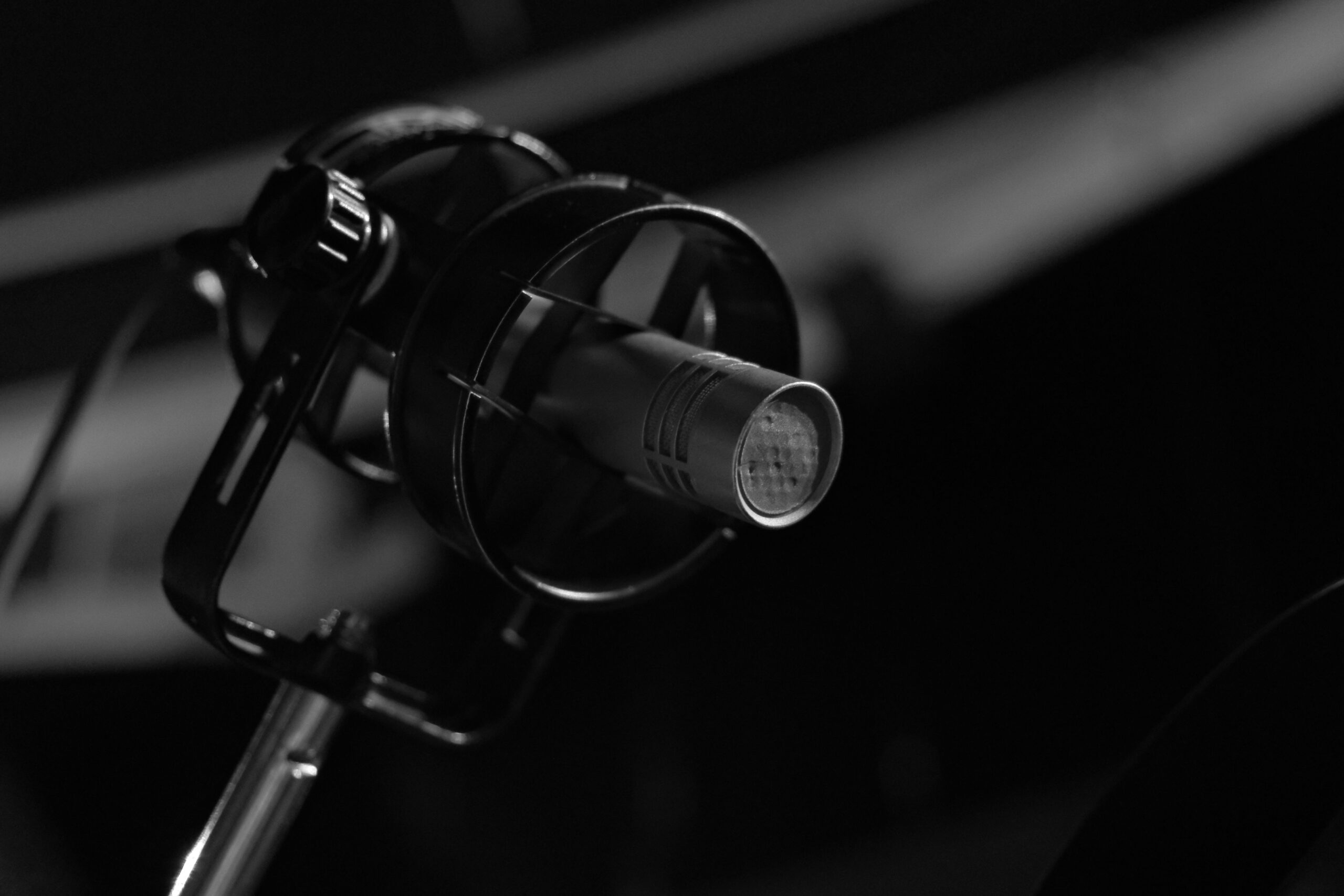
Starting your own internet radio station in 2026 gives you something that is difficult to build on a social platform alone: a broadcast destination centered around your own station brand.
You choose the format.
You choose the music and programming.
You choose the schedule.
You decide how your station sounds, how it looks, and how listeners interact with it.
This is the guide for broadcasters who want to build a station they can shape around their own vision.
What Having Your Own Internet Radio Station Means
When you operate your own internet radio station, you have much more control over the listening experience than you do when posting content only to a shared social or streaming platform.
You decide what your station plays, who broadcasts, when shows air, how the station is branded, and where listeners are sent when they want to hear you.
Your station can have its own website, stream, schedule, DJs, social presence, and branded mobile app.
That does not mean you should ignore platforms such as Instagram, TikTok, YouTube, or radio directories.
Those platforms can still be useful for discovery.
The difference is that your radio station becomes the destination you are trying to bring people back to.
Start With Your Station Format
Before buying equipment or configuring a server, define what your station is actually going to be.
Try to explain the station in one sentence.
A description such as:
“We play good music.”
does not tell a potential listener much.
A more specific description might be:
“A roots reggae station featuring classic favorites, new independent artists, and live DJ shows throughout the week.”
The more clearly you understand your format, the easier it becomes to make decisions about music, DJs, branding, marketing, sponsors, and programming.
Choose Your Station Name
Your station name becomes one of the most important parts of your brand.
It should be easy to say, easy to remember, and easy to search for.
Keep It Pronounceable
If people are constantly unsure how to pronounce the name, it becomes harder for them to recommend the station to someone else.
Make It Memorable
A good station name should be easy to recall after someone hears it once or twice.
It does not have to literally describe every part of your format.
It just needs to fit the identity you are trying to build.
Check Availability
Before committing to the name, check whether it is already heavily used by another broadcaster or brand.
Look at domain availability and the social platforms you plan to use.
Keeping the same or similar name across your website, social media, radio listings, and mobile app makes your station easier to recognize.
What Equipment Do You Need?
You do not need to build a commercial radio studio before launching.
Start with the equipment required for the type of station you are actually operating.
Computer
You need a computer capable of running your broadcasting software reliably.
Use what you already own if it handles the workload without problems.
Internet Connection
Your connection needs enough stable upload bandwidth to continuously send your stream to the hosting server.
Stability matters just as much as headline speed.
If possible, use a wired Ethernet connection for a permanent broadcasting setup.
Microphone
If you plan to speak on the air, you need a microphone.
A USB microphone is one of the simplest ways to begin because it connects directly to your computer.
Models such as the Audio-Technica ATR2100x and Samson Q2U are examples of microphones commonly used for spoken-word and broadcasting setups.
Prices change, so compare current options before buying.
Headphones
Headphones allow you to monitor your audio and catch problems before they become distracting to listeners.
You do not need the most expensive pair available.
You need something reliable that lets you hear your broadcast clearly.
Choose Your Broadcasting Software
Broadcasting software sends audio from your computer to your internet radio hosting server.
This is often called an encoder.
BUTT
BUTT, which stands for Broadcast Using This Tool, is a straightforward option for live broadcasting.
It is available for Windows, macOS, and Linux.
You enter your station connection information, select your audio input, and connect to the stream.
Mixxx
DJs may prefer Mixxx because it combines DJ performance tools with internet broadcasting capabilities.
This can be useful if you want to mix and broadcast from the same application.
Other Broadcasting Software
SAM Broadcaster, RadioBOSS, VirtualDJ, and other applications can also be used depending on your workflow.
Do not feel pressured to begin with the most complicated software.
Use the software that makes it easiest for you to broadcast reliably.
Choose Your Internet Radio Hosting
Your internet radio hosting account is the infrastructure that receives your broadcast and delivers it to your listeners.
Your hosting setup can also provide features such as automation, storage, multiple DJ accounts, live recording, station statistics, and other management tools.
This is one of the most important choices you make because it becomes the technical foundation of the station.
TTT Radio Network Hosting
TTT Radio Network provides hosting designed specifically for internet radio broadcasters.
The current Starter plan is $19.99 per month.
The current Professional plan is $59.99 per month for stations that need additional capacity and features.
Additional options are available for stations that need more storage, services, branding support, or branded mobile-app capabilities.
Because hosting features and plan limits can evolve, visit the current TTT Radio Network pricing page for the latest information.
New customers can also begin with a 7-day free trial.
Set Up Your Broadcasting Software
Once your hosting account is ready, your station dashboard provides the connection information needed by your broadcasting software.
This can include your server address, port, password, and other stream settings.
Enter the information into your encoder and select the microphone, mixer, or audio interface you want to broadcast.
Then connect and listen from another device.
Always test what the listener hears instead of relying only on the meters on your broadcast computer.
Set Up Station Automation
Station automation allows your station to keep playing when no live DJ is connected.
Upload music, recorded shows, station IDs, promos, jingles, and other audio to your station account.
Create playlists and schedule different programming throughout the day.
This gives listeners something to hear between your live shows and helps your station remain available even when nobody is actively broadcasting.
Build Your Music Library
Organize your music before uploading it.
Make sure song titles and artist information are accurate whenever possible.
Good metadata makes managing the station easier and improves now-playing information for listeners.
Add Station Imaging
Your automated programming should still sound like your station.
Add station IDs, sweepers, promos, and other short audio clips that reinforce your brand.
Create a Programming Schedule
You can schedule different playlists and shows for different times.
For example, you might have morning programming, daytime rotation, evening specialty shows, and late-night programming.
Build the schedule around your actual audience rather than following a formula that does not fit your station.
Build a Station Website
Your website gives listeners a direct place to find your station online.
It can include your live stream, schedule, DJs, shows, station information, requests, social links, and other content.
TTT Radio Network provides a Web Page Builder designed around internet radio stations.
A website becomes especially useful because it gives you a destination you control instead of requiring every listener to find you through a third-party directory.
Add a Branded Mobile App as You Grow
A mobile app is not required before launching your station.
But as your audience grows, it can become one of the strongest ways to give listeners a direct connection to your brand.
TTT Radio Network offers a radio station mobile app builder for creating branded iPhone and Android station apps.
Your app can bring together your live stream, station branding, schedule, now-playing information, social links, contact options, and other listener-facing features depending on your setup.
Third-party platforms can help people discover you. Your own website and branded app give them a direct way to come back.
Promote Your Station
Once the station works reliably, start promoting it.
Do not try to be everywhere at once.
Choose the channels where your likely listeners already spend time and be consistent.
Use Social Media
Post clips, show announcements, DJ introductions, behind-the-scenes content, upcoming guests, and other material that gives people a reason to listen.
Whenever possible, give people a clear link to your station rather than simply announcing that you have one.
Use Your Existing Network
Tell people you already know who would genuinely enjoy the station.
Your earliest listeners often come from existing relationships before broader discovery begins.
Be Consistent
If you advertise a live show for a specific time, make every effort to be there.
Consistency helps people build a listening routine around your station.
Radio Directories Can Help With Discovery
Third-party radio directories can provide additional places for listeners to discover your station.
Submission processes and eligibility can change, so check the current requirements of each directory before submitting.
Your station name, logo, format description, genre information, and stream should be consistent wherever your station appears.
Directories can be useful discovery tools, but they should complement your website, social media, and mobile strategy rather than replace them.
Music Licensing and Legal Requirements
This is an area where station owners should avoid one-size-fits-all advice.
The requirements depend on the music you play, where your station operates, where your listeners are located, and how your service is structured.
Do You Need an FCC Broadcast Frequency License?
Internet radio does not use an AM or FM broadcast frequency, so a normal terrestrial frequency license is not what allows an internet station to operate.
That does not eliminate other legal responsibilities.
Commercial Music
If you play commercially released music, you may need licenses covering the applicable musical works and sound recordings.
The organizations, costs, reporting requirements, and licenses involved vary by jurisdiction and service type.
Do not assume that paying for radio hosting automatically includes every music license your station may require.
Review the rules that apply to your operation and seek qualified licensing or legal guidance when necessary.
Royalty-Free and Properly Licensed Music
Some stations choose to build programming around royalty-free music, direct artist permissions, Creative Commons material, or other music for which they have the appropriate rights.
Make sure you understand the terms attached to every source you use.
Business and Tax Requirements
If your station begins earning money through sponsorships, advertising, memberships, merchandise, events, or other commercial activity, business and tax requirements may apply.
Those rules vary by location and business structure.
Consult a qualified professional when you need advice specific to your situation.
How Can an Internet Radio Station Make Money?
An internet radio station can create several possible revenue streams.
What works depends heavily on your audience, format, market, and ability to deliver value to advertisers or supporters.
Sponsorships
Local businesses, brands, events, and organizations may be interested in reaching your particular audience.
You can offer audio commercials, sponsored shows, host-read messages, website placement, mobile-app exposure, or other promotional packages depending on your operation.
Advertising
Some stations sell advertising directly while others explore third-party audio advertising services.
The economics vary significantly based on audience size and geography, so avoid assuming advertising will immediately become a major source of income.
Listener Support
Listeners who strongly support a station may be willing to contribute through memberships, donations, or supporter programs.
The value you offer could include bonus programming, recognition, events, exclusive content, or other benefits you are able to provide.
Events and DJ Services
A radio station can also support opportunities outside the stream.
DJs may use the station to promote live appearances, events, bookings, or related services.
Podcast and On-Demand Content
Original radio content can sometimes be repurposed into podcast or on-demand programming when you have the appropriate rights to distribute everything included in the recording.
This can give your station another way to reach listeners outside the live broadcast schedule.
Your Station and Third-Party Platforms Can Work Together
Operating your own station does not mean abandoning social media or other platforms.
They can be extremely useful for discovery.
A listener may find one of your clips on TikTok, see an announcement on Instagram, hear about your show from a friend, or discover you through a radio directory.
Your station then gives that person a destination to return to.
Use shared platforms to reach people. Use your station, website, and mobile app to build the ongoing relationship.
Start With a Working Station and Build From There
You do not need every feature before your first broadcast.
Start with the essentials.
Choose your format.
Choose your station name.
Set up your broadcasting equipment.
Choose your hosting.
Configure your encoder.
Test your stream.
Set up automation.
Build your schedule.
Then begin promoting.
As the station grows, you can add more DJs, more storage, stronger imaging, a website, live recording, branded mobile apps, more advanced automation, and additional revenue opportunities.
Your Station Can Start Today
TTT Radio Network provides the hosting and station-management tools needed to launch and grow an independent internet radio station.
Current hosting begins with the Starter plan at $19.99 per month, with the Professional plan at $59.99 per month for stations that need additional capacity and features.
Additional options are available for stations that need more services, storage, branding support, or mobile-app capabilities.
You can review the latest options in the internet radio hosting cost guide and on the current pricing page.
New customers can also begin with a 7-day free trial.
Visit tttradionetwork.com to get started.
For questions about launching your station, contact TTT Radio Network at info@tttradionetwork.com.
Your station. Your sound. Your audience. Build it your way.