
Internet Radio Station
How to Start an Online Radio Station in 2026: The Complete Guide From Your First Idea to Your First Listener (Including What Free Actually Gets You)
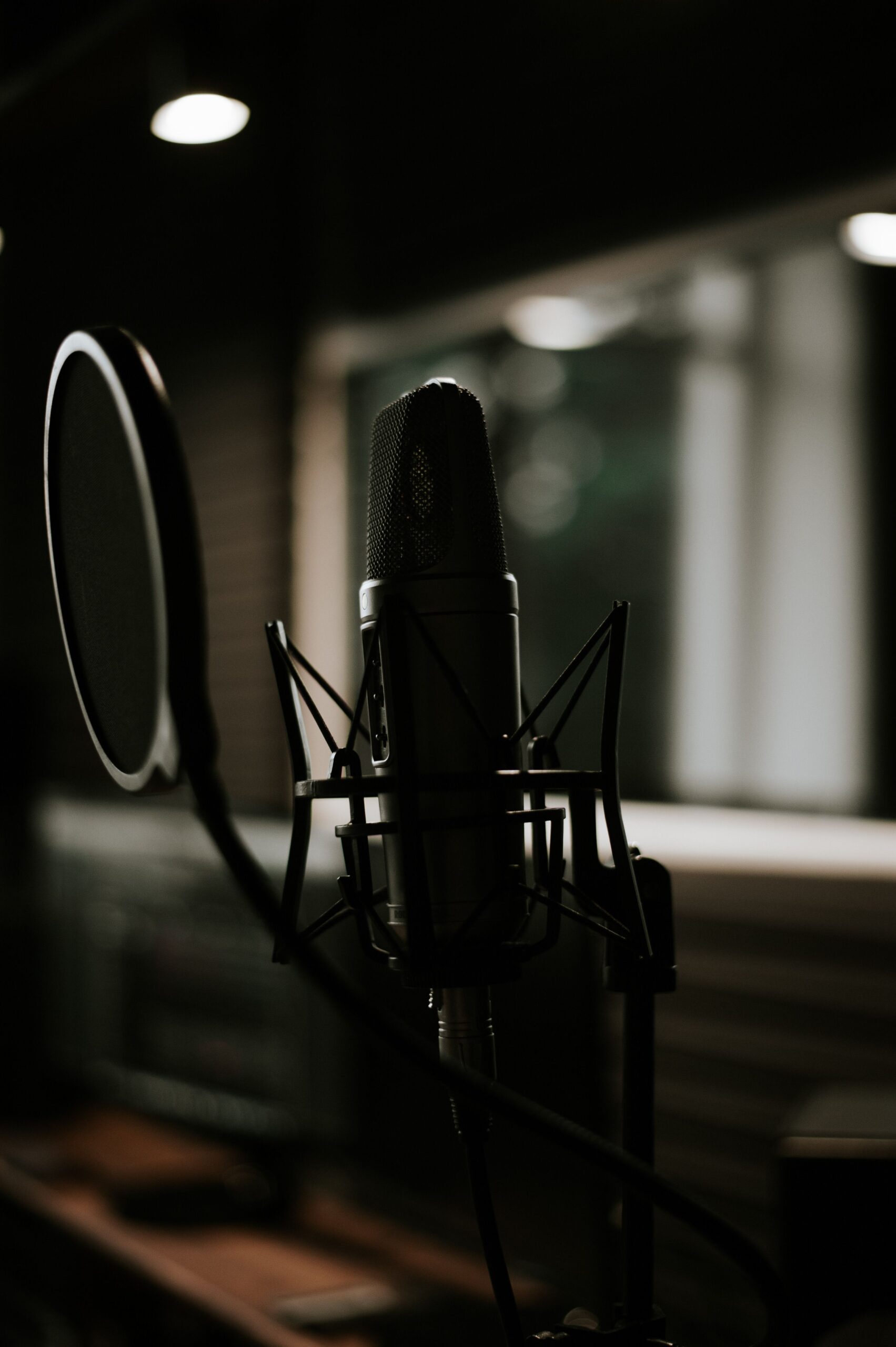
Starting an online radio station in 2026 is genuinely one of the most accessible things a person with something to say and music to share can do.
No broadcast licence. No transmitter. No studio. No industry connections. No massive upfront budget. Just a clear idea of what you want to broadcast, a basic setup that takes an afternoon to configure, and a hosting platform that puts your stream in front of millions of potential listeners through directories that are already fully built and waiting for your station.
This guide takes you through the complete process from your initial idea to your first broadcast. It covers free options honestly, which is what most people start searching for and what most guides either hype up dishonestly or dismiss too quickly. And it covers what the step from free to paid actually looks like in terms of cost and what changes when you make it.
By the end you will know exactly what your online radio station needs, exactly what it will cost, and exactly what to do in what order to make it happen today.
What an Online Radio Station Is in 2026
An online radio station broadcasts audio continuously over the internet using streaming technology. Listeners connect through a stream URL accessible in any compatible app, browser, smart speaker, or device and hear whatever you are broadcasting in real time.
The key word is continuously. Unlike a podcast where you publish individual episodes that listeners download on demand, your online radio station is always on. It broadcasts 24 hours a day, 7 days a week. Between your live shows, automated programming keeps the stream live so listeners who arrive at any hour find something worth hearing rather than silence.
This continuous, live format is what makes online radio different from every other audio content format available in 2026. Your listeners tune in to what you are playing rather than choosing from a catalogue. They share the listening experience with everyone else tuned in at the same moment. And the relationship they build with your station over weeks and months of consistent listening is the kind of loyalty that Spotify playlists and podcast subscriptions cannot replicate.
Your online radio station is reachable by anyone with an internet connection anywhere in the world from the day it launches. A listener in Lagos, London, Toronto, or Sydney can all tune in simultaneously through the same stream URL. That global reach comes at no additional cost beyond your basic hosting plan.
Step 1: Decide What Your Online Radio Station Is For
Before any technical setup, before any equipment purchase, before signing up for any service, answer one question in a single sentence.
What is your station and who is it specifically for?
Not what genre you play. What your station is. The specific promise it makes to a specific type of listener. The reason it deserves to exist beyond the fact that you want to create it.
Write that sentence. Post it somewhere visible. Every decision that follows runs through it.
Here is the difference between a weak answer and a strong answer to this question.
Weak: “My station plays hip hop music.”
Strong: “My station plays underground UK hip hop exclusively, spotlighting artists that mainstream radio ignores, for listeners who care about the culture over the charts.”
Weak: “My station plays gospel.”
Strong: “My station is the daily companion for the West African Christian community in the UK, playing gospel music from Nigeria, Ghana, and Sierra Leone that reflects their specific worship tradition.”
Weak: “I want to do a talk show.”
Strong: “My station is a Caribbean lifestyle and culture talk station for the British-Caribbean community, covering music, food, travel, community news, and the conversations that matter to our diaspora.”
The more specific your answer, the faster your station builds a loyal audience. Specific formats attract passionate listeners who feel the station was made exactly for them. General formats attract casual listeners who have no particular reason to prefer you over the hundred similar stations one directory search away.
Step 2: Choose Your Station Name
Your station name is the first thing potential listeners see in directory listings, the first thing they say to Alexa or Google to play your station, and the thing they tell their friends when they recommend you. It needs to work hard across all three contexts simultaneously.
A great online radio station name is short, maximum three words. It is pronounceable without instruction. It communicates something about your format or community without being purely literal. It is available as a domain name, as a social media handle on Instagram, TikTok, Facebook, and X, and does not conflict with an existing station’s name in directory listings.
Test your name shortlist by saying each one out loud to someone who has never heard it and asking them to repeat it back. If they stumble, the name creates a word-of-mouth barrier. If they get it instantly, it works.
Check availability by searching your shortlisted names on TuneIn Radio, Radio Garden, and Google. A name already in use by another station creates confusion in directory listings and potentially legal complications if either station builds commercial value under that name.
Step 3: Set Up Your Equipment
The equipment you need to start an online radio station is significantly less than any other guide will tell you. Here is the honest minimum list.
A computer. Laptop or desktop, Windows or Mac, purchased in the last five years. Any modern computer handles the audio encoding and software requirements without performance issues. Your internet upload speed matters more than your processor or RAM for broadcasting quality.
A stable internet connection. Test your upload speed at speedtest.net. You need a stable minimum of 2 Mbps upload for standard quality broadcasting. Stable matters more than fast. A consistent 3 Mbps upload is better for broadcasting than a fluctuating connection that sometimes hits 20 Mbps and sometimes drops to 0.5 Mbps. If your WiFi connection fluctuates, connect via ethernet cable before your first broadcast.
A USB microphone. The Audio-Technica ATR2100x at $79 is the recommendation used by professional broadcasters at every level. It connects directly to your computer via USB without any additional hardware, captures broadcast-quality voice audio, and is durable enough to last years of regular use. If $79 is too much before you have tested whether you will sustain broadcasting, the Samson Q2U at $59 or the Blue Snowball at $49 both produce adequate quality for early-stage broadcasting.
A pop filter. An $8 to $12 clip-on screen that mounts between your mouth and microphone, eliminating the harsh burst sounds on P and B consonants that make voice recordings sound amateur. It is the highest audio quality improvement per dollar in your entire setup.
Closed-back headphones. Any closed-back headphone lets you monitor your outgoing audio during broadcasts, hearing exactly what your listeners hear in real time. The Sony MDR-7506 at $99 is the industry standard. Any closed-back option at $20 to $40 delivers the core monitoring function if budget is the priority.
That is the complete equipment list. Under $200 total gets you a professional-quality home broadcasting setup. Everything beyond this, audio interfaces, mixing desks, acoustic panels, broadcast arms, is an upgrade you make when your station’s growth and revenue justify it, not a prerequisite for your first broadcast.
Step 4: Download Your Broadcasting Software
Broadcasting software encodes your audio and sends it to your hosting server. Without it you cannot broadcast. With the right one configured correctly, going live is a single button press.
BUTT (Broadcast Using This Tool) is the free broadcasting software used by the majority of independent online radio stations globally. It runs on Windows, Mac, and Linux. Download it from danielnoethen.de/butt. It handles the complete connection between your microphone audio and your hosting server with a simple interface that takes under ten minutes to configure.
Mixxx at mixxx.org is the free alternative for broadcasters whose format involves live DJ mixing. It combines a full DJ application including two virtual decks, crossfader, BPM matching, and effects with built-in broadcasting capability. You mix and broadcast from the same interface without routing audio between separate applications.
SAM Broadcaster Pro at $299 from spacialaudio.com is the professional desktop option for broadcasters who need sophisticated music rotation, voice tracking, and complex scheduling. Worth the investment for music-forward stations committed to long-term professional operation. Not necessary for your first broadcast.
Download and install BUTT or Mixxx before completing the next step so you can connect to your hosting server the moment your credentials arrive.
Step 5: Choose Your Hosting Plan
Your hosting plan is the infrastructure your online radio station broadcasts from. Every listener connects to your hosting server to receive your stream. Your automated programming runs on your hosting server between live shows. Your broadcast recordings are stored on your hosting server. Your station’s uptime, audio quality, and listener capacity are all determined by your hosting plan.
This is the decision that matters most for your station’s long-term growth and the one most guides underemphasise in favour of equipment recommendations that are less important.
Can You Start an Online Radio Station for Free
Yes, with significant limitations that become growth ceilings quickly.
Free hosting options give you a working stream URL, typically 10 to 25 concurrent listeners maximum, audio quality at 64kbps to 96kbps which sounds noticeably poor for music, no station automation meaning your station goes offline when you disconnect, and no recording of your broadcasts.
These limitations are not problems for a one-off test broadcast. They are serious constraints for any station trying to build an audience, because a station that goes silent between live shows loses listeners every time they arrive to find nothing playing, a station limited to 25 listeners turns away everyone above that number during your best promotional moments, and audio that sounds compressed and thin creates a bad first impression that most listeners do not give you a second chance to correct.
Free hosting is the right choice for testing that your setup works before spending money and for a single one-off broadcast. It is the wrong foundation for a station you intend to grow.
TTT Radio Network Hosting Plans
Starter at $9.99 per month. 50 concurrent listeners. Live streaming. Web player. Initial setup support. The entry point that removes the financial barrier to a first professional broadcast while improving on free in every measurable way.
Basic at $29.99 per month. 100 concurrent listeners at 192kbps audio quality. Station automation with full AutoDJ keeping your stream live 24 hours a day. Live stream recording automatically archiving every broadcast. Geo country locking for music licensing compliance. Unlimited DJs at no per-seat cost. 25GB disk space for your music library and recordings. Featured placement on the TTT Radio Network mobile app, putting your station in front of an existing listener audience from day one.
The Basic plan is the correct starting point for any broadcaster launching with genuine ambition. It includes every feature that determines whether your station can build and retain an audience, at a price that is less than most monthly streaming music subscriptions.
Premium at $59.99 per month. Everything in Basic plus unlimited concurrent listeners and 320kbps broadcast-quality audio. For stations running promotional campaigns or expecting significant traffic.
Exclusive at $79.99 per month. Everything in Premium plus a dedicated account manager and end-to-end creative support including professional jingles, logo design, and promotional materials.
Every plan detail is in the internet radio hosting cost breakdown.
Step 6: Configure Your Broadcasting Software
Your TTT Radio Network control panel provides four connection credentials the moment your account activates: server address, port number, mount point, and source password.
Open BUTT on your computer. Click Settings, then the Main tab. Click the plus button to add a new server. Select SHOUTcast or Icecast from the server type dropdown. Both protocols are supported on all TTT Radio Network plans. Enter your server address, port number, and source password in the corresponding fields. Enter your mount point. Click Add and close the settings window.
Select your microphone from the audio input dropdown in BUTT’s main window. Put on your headphones and click the monitoring button to hear your outgoing audio.
Speak at your normal presenting volume and watch the VU meter. It should peak between one third and two thirds of the way up the scale without hitting the red zone. Adjust your microphone input gain until your levels are consistently in this range.
Click Connect. BUTT establishes your connection to the hosting server. The status indicator changes to show you are live. Your online radio station is broadcasting.
Step 7: Set Up Automation Before Your First Promotion
Configure your station automation through your TTT Radio Network control panel before you share your station with anyone. This single step determines whether new listeners who arrive between your live shows find a professionally broadcasting station or silence.
Log into your control panel and navigate to the AutoDJ section. Upload your music library to your disk space allocation. Create playlists for each part of the broadcast day. Upload your station ID audio files, short recordings that announce your station name, and configure them to play at 15-minute intervals throughout your automated programming.
Assign your playlists to their scheduled dayparts and activate AutoDJ. Your station now broadcasts continuously from the hosting server regardless of whether your computer is on, your internet is connected, or you are anywhere near a microphone.
Test automation by disconnecting BUTT and tuning in on a different device via a different internet connection. Confirm music plays, station IDs fire at the correct intervals, and audio quality is consistent.
Step 8: Submit Your Station to Directories
Your online radio station becomes discoverable by millions of listeners globally through directory submissions that take a few hours total and deliver permanent passive traffic indefinitely.
Submit to TuneIn Radio at tunein.com/broadcasters. This single submission makes your station discoverable through Amazon Alexa, Apple CarPlay, Android Auto, and smart TVs alongside TuneIn’s 75 million monthly active listeners. Approval takes 24 hours to two weeks.
Submit to Radio Garden at radio.garden. The globe-based interface attracts listeners specifically seeking audio from particular geographic and cultural communities. Essential for diaspora broadcasting formats.
Submit to RadioBrowser at www.radio-browser.info. One submission appearing across dozens of third-party apps simultaneously including in-car audio systems and smart home devices.
Submit to Online Radio Box at onlineradiobox.com and Streema at streema.com for additional directory coverage.
For each submission you need your stream URL from your TTT Radio Network control panel, your station name exactly as you want voice searches to find it, your genre category, your language, your country, and a logo image sized to each platform’s specification.
Write your station description for each directory as if speaking directly to the specific listener you defined in Step 1. Not a description of your technical setup. A description of the experience waiting for them when they press play.
Step 9: Announce Your Station and Build Your First Audience
Tell your existing network your station is live. Post your stream URL and your TuneIn listing on your personal social media. Share a short clip of your first broadcast on Instagram Reels and TikTok with your genre hashtags. Join Facebook groups and communities relevant to your format and become a genuine contributor before mentioning your station.
The most important promotion decision in your first month is consistency over volume. One live show per week on a published schedule builds habit in your early listeners. Two social media posts per week maintains presence without overwhelming you during the setup phase. One new directory submission per week until you have covered every major platform.
Momentum in your first audience comes from your listeners feeling they discovered something genuine. Give them something real to discover.
For the complete promotion strategy covering every channel and the exact sequence that produces sustainable audience growth, the guide to how to get more radio listeners covers every tactic in detail.
The Question Behind Every Search for “Online Radio Station Free”
Every person who searches “how to start an online radio station free” is asking the same real question underneath the word free. Can I do this without a huge financial commitment before I know it will work?
The answer is yes. The $9.99 per month Starter plan removes every financial barrier to a first professional broadcast. The $29.99 per month Basic plan, which is what your station needs to actually build an audience with 24-hour automation, live recording, and proper listener capacity, costs less per month than most people spend on coffee.
The stations that fail do not fail because they could not afford hosting. They fail because they chose infrastructure that limited them before they had a chance to build anything, free hosting that went silent between shows, listener caps that turned away their best promotional moments, and audio quality that made a bad first impression on every new listener.
Start with the right foundation. The cost of doing it properly is small. The cost of doing it incorrectly is the audience you never built.
Visit tttradionetwork.com to explore plans and go live today. The team is at info@tttradionetwork.com and 860-704-9848 for any questions about getting your online radio station set up.
Your first listener is one broadcast away.