
Internet Radio Station
How to Get Your Radio Station on Amazon Alexa and Smart Speakers in 2026: The Complete Guide to Voice Search Radio Distribution That Most Broadcasters Completely Ignore
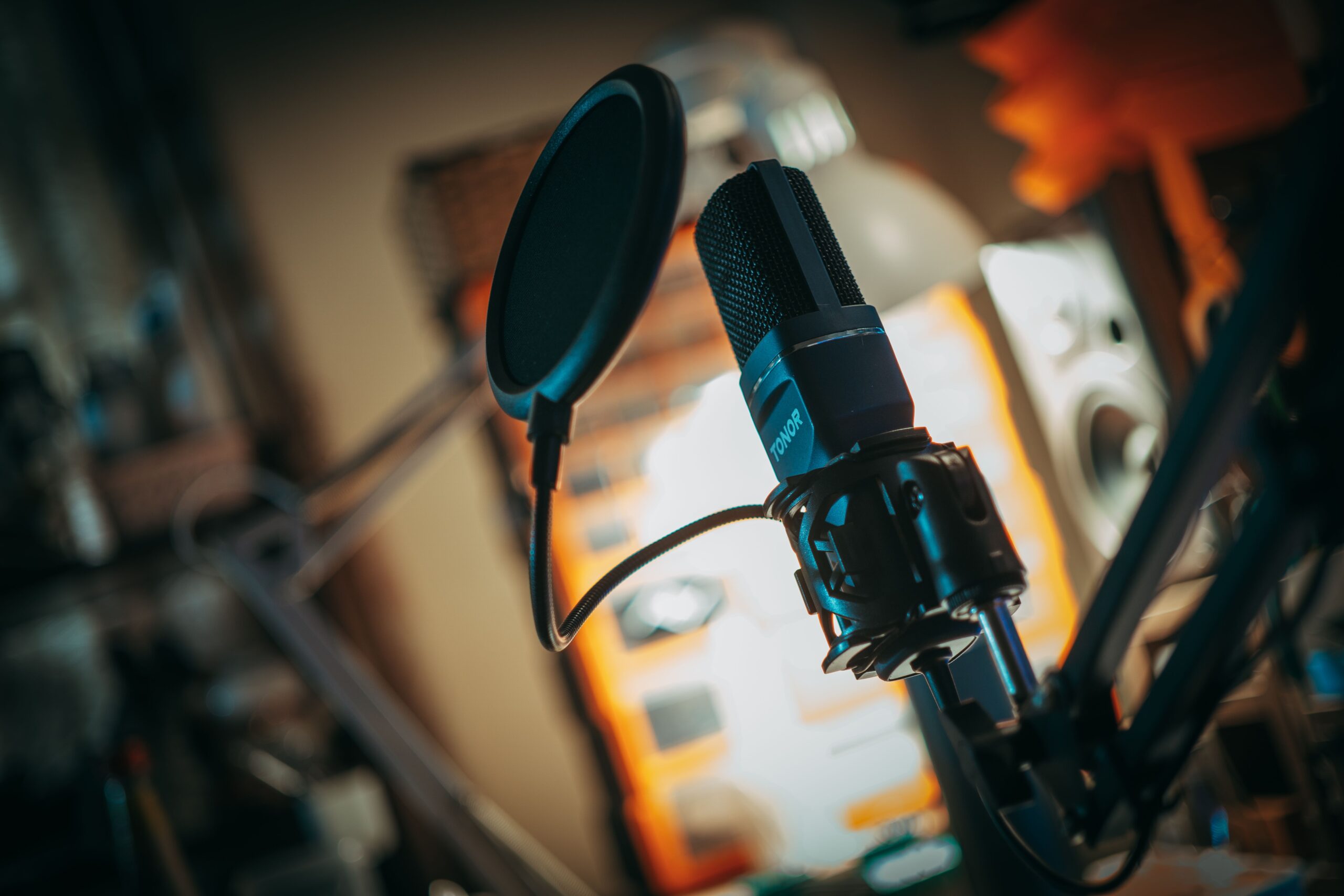
There are over 500 million smart speakers in active use globally as of 2026.
Amazon Echo devices running Alexa. Google Nest speakers running Google Assistant. Apple HomePod devices running Siri. Sonos systems. Bose SoundTouch devices. Samsung SmartThings audio products. Every single one of these devices is a potential listener for your radio station, accessible with nothing more than a voice command from wherever it sits in someone’s home.
The listener who says “Alexa, play jazz radio” or “Hey Google, find me a gospel station” is not browsing a website or scrolling through social media. They are actively requesting exactly what your station provides, with no screen, no keyboard, no search results page to scroll through. The audio that comes out of their speaker is the answer. If your station is positioned correctly across the smart speaker ecosystem, that audio could be yours.
Most internet radio broadcasters have never thought seriously about smart speaker distribution. They focus on directory listings, social media, and web players while the fastest-growing radio listening context in the world sits completely uncaptured in their promotional strategy.
This guide changes that completely.
Why Smart Speaker Radio Is the Most Underused Growth Channel in Internet Radio
Understanding why smart speaker distribution matters requires understanding how people actually use smart speakers for audio content.
Smart speaker audio consumption is fundamentally different from screen-based audio consumption in one critical way. It is habitual and ambient rather than intentional and curated. A Spotify user opens the app, searches for something specific, and makes a deliberate content choice. An Alexa user says “play gospel radio” while walking through their kitchen and whatever comes out of the speaker is what they listen to for the next two hours without ever touching a screen.
That ambient listening behaviour produces extraordinarily long session durations. Smart speaker radio sessions average significantly longer than mobile app listening sessions because there is no screen pulling the listener’s attention elsewhere and no algorithm serving up alternative content suggestions while they listen. A listener who finds your station through Alexa and likes what they hear will often listen for two to four hours in a single session.
Long session durations mean deeper familiarity with your station’s format and personality. Deeper familiarity means stronger loyalty. Smart speaker listeners convert to loyal regular listeners at higher rates than almost any other discovery channel because the listening context itself, settled in their home, doing other things, using audio as a companion, is the context where habitual listening patterns form most naturally.
The broadcaster who captures smart speaker listeners today is building an audience that will be measurably more loyal and more long-session than the audience being built through social media promotion and directory listings alone.
How Smart Speakers Actually Find and Play Internet Radio Stations
Before covering the specific steps to get your station on each platform, understanding the technical mechanism helps you understand why certain steps matter and what happens when a listener makes a voice request for radio content.
When a listener says “Alexa, play jazz radio”, Alexa queries TuneIn Radio’s database for stations categorised under jazz and plays the highest-ranked result matching the request. When they say “Alexa, play TTT Radio Network”, Alexa queries TuneIn for a station matching that name exactly. When they say “Hey Google, play gospel music radio”, Google Assistant queries its radio database, which draws from multiple sources including TuneIn and RadioBrowser, for stations matching the gospel music category.
The critical insight is that smart speakers are not independently discovering radio stations. They are querying the major radio directory databases that they are integrated with and playing stations found in those databases. Your station’s presence in those databases, with accurate genre tags, a searchable station name, and a reliable stream URL, determines whether smart speakers can find you and play you.
This is why directory submission, which some broadcasters treat as a formality, is actually the gateway to smart speaker distribution. TuneIn’s database is the primary data source for Amazon Alexa’s radio functionality. RadioBrowser’s database powers a significant proportion of Google Assistant’s radio capability. Getting listed correctly on these directories is getting listed on every smart speaker that queries them.
Your hosting infrastructure matters enormously here too. When Alexa recommends your station and 300 smart speaker listeners connect simultaneously, your hosting plan needs to handle that traffic without rejecting connections. Unlimited radio hosting on TTT Radio Network’s Premium and Exclusive plans ensures smart speaker traffic spikes never produce connection errors for listeners who found you through a voice request.
Amazon Alexa: The Largest Smart Speaker Platform and How to Be Found on It
Amazon Echo devices powered by Alexa represent the largest smart speaker install base globally with over 200 million devices in active use. Alexa’s radio functionality is powered primarily by TuneIn Radio, making TuneIn submission the single most important action for getting your station onto Amazon Alexa.
Step One: Submit to TuneIn Radio
Visit tunein.com/broadcasters and complete the broadcaster submission form. You need your stream URL from your internet radio hosting control panel, your station name exactly as you want it to appear when listeners search for it on Alexa, your genre category, your language, your country of origin, and your station logo artwork sized to TuneIn’s specification of 630 by 630 pixels minimum.
The genre category you select is what determines which voice searches surface your station. A station categorised under Gospel appears when listeners say “Alexa, play gospel radio.” A station categorised under Jazz appears for jazz requests. Choose your primary genre accurately and specifically. If TuneIn’s category system allows sub-genre tags, use them to position your station as precisely as possible within its format niche.
Your station name as submitted to TuneIn becomes the name Alexa recognises for direct station requests. If your station is called “Grace Gospel Radio” and you submit it to TuneIn under that name, a listener who says “Alexa, play Grace Gospel Radio” will hear your station. Station names that are clear, pronounceable, and distinctly searchable perform better for direct voice requests than names with unusual spelling or punctuation.
TuneIn approval typically takes between 24 hours and two weeks. Once approved, test your Alexa integration by saying “Alexa, play [your station name]” on any Amazon Echo device. If Alexa plays your station correctly, your voice search distribution is live.
Step Two: Enable Your TuneIn Skill on Alexa
The TuneIn skill on Amazon Alexa is enabled by default on most Echo devices, meaning no additional setup is typically required from your side after TuneIn listing approval. However, some newer Echo device configurations require listeners to explicitly enable the TuneIn skill through the Alexa app. Including “available on Amazon Alexa through TuneIn” in your station’s promotional materials prompts your audience to enable the skill if needed.
Step Three: Consider a Custom Alexa Skill for Your Station
For stations with established audiences who want a deeper Alexa integration, Amazon’s Alexa Skills Kit allows developers to create custom skills that enable voice interactions specific to your station. A custom Alexa skill could let listeners say “Alexa, open Grace Gospel Radio” and receive your station directly through your own skill rather than through TuneIn.
Custom skill development requires either developer capability in-house or hiring an Alexa skill developer. The cost ranges from $500 to $2,000 for a basic radio station skill. For stations with audiences large enough to justify the investment, a custom Alexa skill gives you a direct branded voice search presence rather than being one of many stations surfaced through TuneIn’s general search.
Google Home and Google Nest: The Second Largest Smart Speaker Platform
Google Home and Google Nest devices running Google Assistant represent the second largest smart speaker platform globally. Google Assistant’s radio functionality draws from multiple sources including TuneIn and RadioBrowser, giving your station two pathways to Google smart speaker discovery.
TuneIn Submission Covers Google Too
Your TuneIn listing is also the primary source for Google Assistant’s radio recommendations. A station listed on TuneIn with accurate genre tags is discoverable through Google Home and Google Nest voice requests for that genre alongside Alexa requests. One TuneIn submission covers both platforms.
RadioBrowser Submission Adds Google Redundancy
RadioBrowser is an independent source that Google Assistant queries for some radio requests, particularly when TuneIn does not surface a relevant result. Your RadioBrowser listing provides a second pathway to Google smart speaker discovery. Submit at www.radio-browser.info with the same accurate genre tags and stream URL you used for TuneIn.
Testing Your Google Integration
Test your Google smart speaker presence by saying “Hey Google, play [your genre] radio” on any Google Home or Google Nest device. If your station surfaces, your Google distribution is live. If it does not surface immediately after your TuneIn listing is approved, allow 48 to 72 hours for the directory data to propagate to Google’s radio database.
Apple HomePod and Siri: The Premium Listener Market
Apple HomePod devices running Siri and the broader Apple ecosystem including Siri on iPhone and iPad represent a premium listener segment whose average spending and engagement levels are notably higher than average. HomePod listeners tend to care about audio quality significantly, making the bitrate of your stream a more important quality signal for this audience than for listeners on other devices.
Apple’s radio functionality integrates with TuneIn through the Apple Radio app and through Siri’s radio request handling. A TuneIn listed station is accessible through HomePod via Siri commands. Testing your Apple integration involves saying “Hey Siri, play [your station name] on Radio” or “Hey Siri, play [your genre] radio.”
For music stations streaming at 320kbps through TTT Radio Network’s Premium or Exclusive plan, the audio quality difference is clearly audible through HomePod’s high-quality speaker system. HomePod listeners notice and respond to audio quality more than listeners on budget smart speakers. Streaming at the highest available bitrate is particularly important if you are actively targeting this listener segment.
Sonos, Bose, and Other Connected Audio Systems
Premium connected audio systems including Sonos and Bose SoundTouch have built-in TuneIn integrations that make your TuneIn-listed station playable directly through these systems from their dedicated apps. A Sonos user can search TuneIn within the Sonos app and add your station to their station list for one-tap playback through their whole-home audio system.
These listeners represent an audio quality-conscious segment similar to HomePod users. A Sonos system playing your station through high-quality speakers in multiple rooms of a home produces some of the highest time-spent-listening sessions available in any distribution channel.
No additional submission is required for Sonos or Bose integration beyond your TuneIn listing. The integration is automatic once your station is approved on TuneIn.
Optimising Your Station for Voice Search Discovery
Getting listed is step one. Getting discovered when listeners make relevant voice requests is the ongoing optimisation challenge.
Voice search for radio works differently from text search. When a listener types a search they use specific terms. When they speak a search they use natural language. “Alexa, play some relaxing jazz” is a more natural voice request than “Alexa, play jazz radio station.” Your genre tags and station description need to accommodate this natural language pattern.
Use the most commonly spoken genre terms rather than industry jargon in your TuneIn submission. Listeners say “gospel music” not “contemporary gospel and CCM.” They say “reggae” not “Caribbean urban.” They say “80s music” not “retro format adult contemporary.” The spoken language your target listener uses when asking for radio is the language your directory submission should use.
Your station name should be clearly pronounceable and distinct. Voice recognition systems occasionally misidentify station names that contain unusual spelling, abbreviations, or names that sound similar to other stations. A station named “TTT Radio” is less voice-search-friendly than “Triple T Radio” because the spoken version of the letters is more natural. If your station name contains abbreviations or non-phonetic elements, consider how listeners would naturally speak the name and whether that spoken version is what Alexa or Google would recognise correctly.
Station automation running 24 hours a day is critical for smart speaker distribution in a way that is different from other channels. A smart speaker listener who asks for your station at 3am and finds it offline has a negative experience that directly contradicts the convenience promise of smart speaker listening. The entire value proposition of saying a station name to a speaker is that the station plays immediately. If it does not play because your station is offline, the listener asks for a different station and may never try yours again. Automation ensures your station is always available whenever a smart speaker listener requests it.
Promoting Your Smart Speaker Availability to Your Existing Audience
Getting your station onto smart speakers is only valuable if your existing audience knows it is there. Promoting your smart speaker availability actively converts existing social media followers and occasional listeners into habitual smart speaker listeners, the highest loyalty listener segment available.
Specific promotion approaches that work well include creating short demonstration video clips showing how to ask Alexa or Google to play your station and posting them on Instagram and TikTok. Announcing your smart speaker availability during your live shows and encouraging listeners to try the voice command at home. Including your Alexa availability in your station’s social media bio and website. Collaborating with other broadcasters to cross-promote smart speaker discovery within your genre community.
The key message in all of this promotion is convenience. “You can listen to our station just by asking Alexa” is a compelling reason for a current social media follower to become a daily listener. Remove every barrier between your audience and your content and the daily listener habit forms naturally.
Smart Speaker Distribution and Your Hosting Infrastructure
Every smart speaker listener who finds your station through a voice request is a concurrent listener who connects to your stream. Smart speaker sessions are long, typically 30 minutes to several hours, which means each smart speaker listener occupies a concurrent listener slot for significantly longer than the average mobile or desktop listener.
As your smart speaker audience grows, the average concurrent listener count on your stream increases because of the longer session durations rather than solely because of increased unique listener numbers. A station with 50 dedicated smart speaker listeners might see 30 to 40 of them connected simultaneously during evening hours when smart speaker listening peaks.
If your hosting plan has a concurrent listener cap, your growing smart speaker audience reaches that cap faster than your unique listener growth rate would suggest. Unlimited radio hosting accommodates smart speaker audience growth without the concurrent listener ceiling becoming a barrier.
The TTT Radio Network mobile app complements your smart speaker presence by giving listeners who discover your station through Alexa or Google a mobile companion for listening when they are away from their smart speakers. Promoting your app download alongside your smart speaker availability creates a two-device listener who is accessible through voice at home and through the app on the go.
The Complete Smart Speaker Submission Checklist
Complete every submission in one session this week. Each one takes 10 to 20 minutes.
TuneIn Radio at tunein.com/broadcasters. This single submission covers Amazon Alexa, Google Assistant, Apple HomePod via Siri, Sonos, and Bose SoundTouch simultaneously. It is the highest leverage submission available.
RadioBrowser at www.radio-browser.info. This covers Google Assistant redundancy and dozens of third-party smart home audio apps.
iHeartRadio broadcaster submission for US-focused stations at iheartradio.com. iHeartRadio has its own Alexa skill that some listeners prefer for American radio content.
Test every platform after submission. Ask Alexa to play your station. Ask Google. Test on HomePod if available. Confirm your stream URL plays correctly through each device and that your station name, genre, and metadata display correctly.
Then promote your smart speaker availability to every audience channel you have and watch your longest-session listeners arrive.
Visit tttradionetwork.com to ensure your hosting infrastructure supports the smart speaker audience your distribution strategy will build, or contact the team at info@tttradionetwork.com and 860-704-9848.