
Guide
How to Stream Your DJ Sets Online in 2026: The Complete Setup Guide for DJs Who Want a Real Audience
You have been perfecting your mixes for years. Your transitions are tighter, your track selection is stronger, and every session sounds better than the last.
The next challenge is getting people to hear it.
Streaming your DJ sets online gives you the ability to move beyond practicing at home and start building an audience that can tune in regularly, follow your shows, share your station, and discover more of what you do.
The good news is that you may already own most of the equipment you need.
This guide walks through the basic DJ streaming setup, the software involved, how internet radio fits into the picture, and how to turn individual DJ sets into a station that can keep broadcasting even when you are offline.
Why Internet Radio Works Well for DJ Sets
There are several ways to stream a DJ performance online, including social platforms, video platforms, and internet radio.
Each serves a different purpose.
Social and video platforms can be useful for promotion and visual performance content.
Internet radio is useful when your main goal is creating a continuous audio station that listeners can return to whether you are currently live or not.
A Station Can Keep Playing After Your Live Set Ends
When a normal live stream ends, the live experience ends with it.
An internet radio station can continue broadcasting using station automation.
You can upload recorded mixes, create playlists, schedule programming, and give listeners something to hear between your live sessions.
This is one of the biggest differences between simply streaming a DJ set and operating your own internet radio station.
You Control the Listening Experience
Your station can have its own name, branding, schedule, website, stream, and mobile presence.
Instead of sending every listener to a third-party social platform, you can build a destination around your own brand.
That becomes more valuable as your audience grows.
Understand Your Music Rights
If your DJ sets contain commercially released music, make sure you understand the music licensing requirements that apply to your station and where your listeners are located.
Internet radio, social media, video streaming, and on-demand services can involve different rights and licensing requirements.
Do not assume that permission to play music in one type of service automatically covers every other type of distribution.
Station owners are responsible for making sure their broadcasts comply with the applicable licensing rules for the music they use.
The Equipment You May Already Have
Most DJs already own the core pieces needed to begin broadcasting online.
DJ Controller or Mixer
Your existing DJ controller or mixer is the source of your mix.
Whether you use Pioneer DJ, Denon DJ, Native Instruments, Rane, Allen & Heath, or another setup, you usually do not need to replace your existing DJ gear just to start broadcasting.
Computer
You will need a computer capable of running your DJ software and broadcasting software at the same time.
How demanding that is depends on your specific software, audio routing, and computer.
Before an important live show, test the full setup together rather than assuming everything will run perfectly.
Headphones
Your normal DJ headphones continue to handle cueing and monitoring.
It is also important to occasionally monitor the outgoing broadcast so you know the stream sounds the way you expect.
What You May Need to Add
Audio Routing
Your broadcasting software needs access to the final mix coming from your DJ setup.
Some DJ controllers and mixers can send audio to the computer through USB.
Other setups may require an audio interface or additional routing from the mixer’s output into the computer.
The exact method depends on the hardware you use.
The goal is simple: your broadcasting software needs to receive the same finished mix you want your listeners to hear.
Microphone
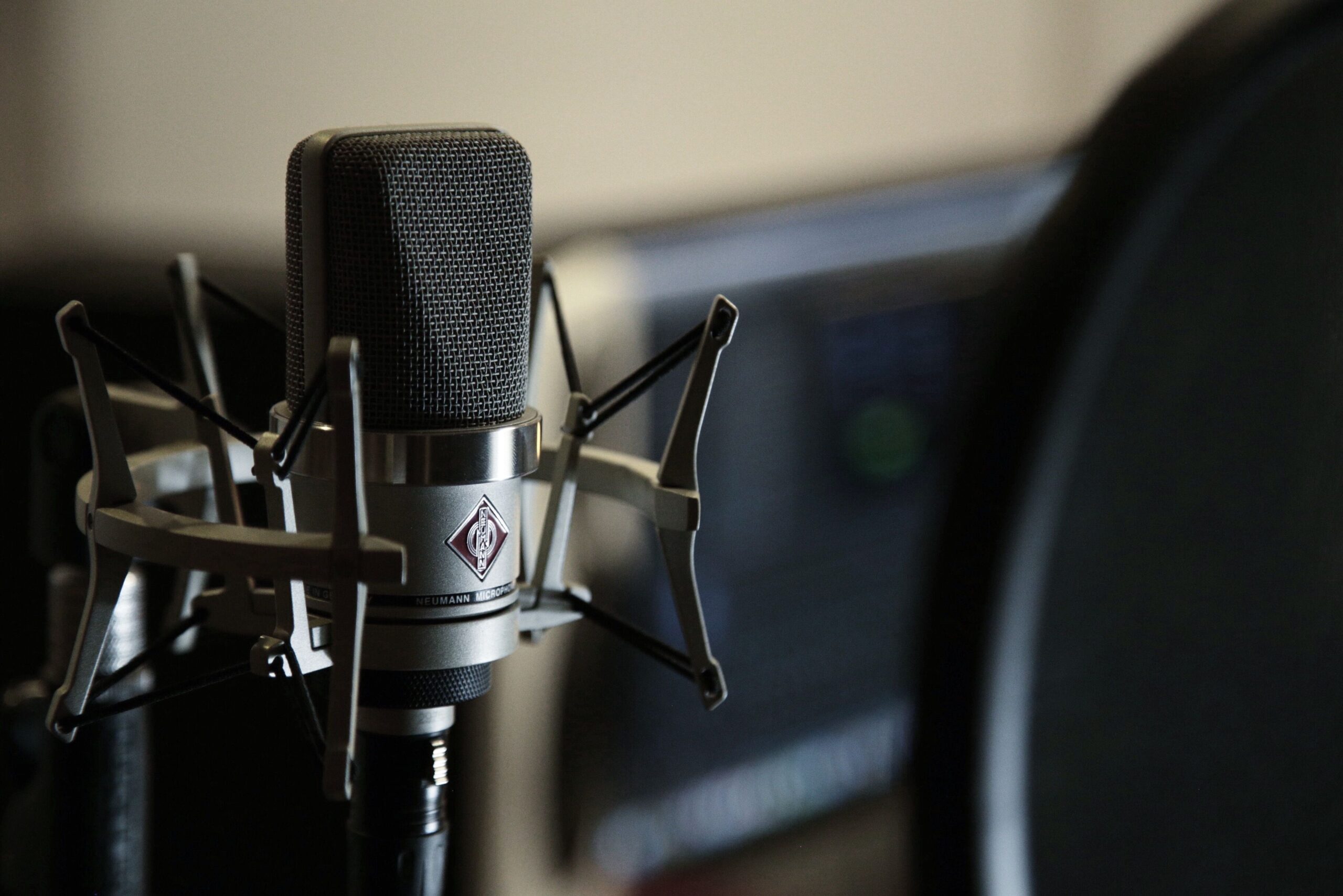
A microphone is optional, but it can help turn a DJ stream into a more complete radio show.
You can introduce yourself, identify the station, mention upcoming shows, respond to requests, promote your website, and create more of a connection with listeners.
You do not need to talk constantly.
Even short, well-timed microphone breaks can help listeners understand who they are listening to and give your station more personality.
Broadcasting Software for DJs
Broadcasting software takes the audio from your DJ setup, encodes it, and sends it to your internet radio server.
There are several ways to do this.
Mixxx
Mixxx is free DJ software that also includes live broadcasting tools.
If you are comfortable performing directly inside Mixxx, you can configure your station connection and broadcast from the same application you use to mix.
This can make the setup simpler because you do not need a separate encoder running beside your DJ software.
BUTT
BUTT, which stands for Broadcast Using This Tool, is a dedicated streaming encoder.
It works well for DJs who already use software such as Serato, Traktor, rekordbox, or another DJ application and do not want to change their performance workflow.
Your DJ software handles the performance while BUTT sends the finished audio to your radio server.
This separation can be useful because each application has one clear job.
VirtualDJ
VirtualDJ includes broadcasting tools that can connect to compatible streaming servers.
If VirtualDJ is already your primary DJ software, this may allow you to broadcast without adding another encoder application.
Check the current VirtualDJ documentation for the exact broadcasting setup supported by your version.
What to Look for in Internet Radio Hosting for DJs
Your radio hosting service receives your live stream and distributes it to your listeners.
For DJ-focused stations, several features are especially useful.
Enough Listener Capacity
You want enough simultaneous listener capacity for your normal audience as well as special shows, guest DJs, events, and promotions.
As your audience grows, make sure your hosting plan can grow with it.
Good Audio Quality
DJ sets are music-focused, so sound quality matters.
Choose a streaming bitrate that provides a good listening experience while also considering listener bandwidth and your hosting plan.
Higher bitrate does not automatically make a poorly mixed stream sound good, so proper gain staging and clean source audio still matter.
Station Automation
Your live set may last a few hours.
Your station can keep going after you disconnect.
Upload recorded mixes, shows, station imaging, and other programming to your hosting account and use automation to fill the time between live sessions.
This gives listeners a reason to return even when you are not currently behind the decks.
Live Stream Recording
Automatic live stream recording can capture your live sessions so you have recordings available afterward.
Those recordings can be useful for archives, future radio programming, promotional clips, and other uses where you have the appropriate rights to redistribute the content.
TTT Radio Network for DJ Streamers
TTT Radio Network provides internet radio hosting for DJs and station owners who want to combine live broadcasting with automation and listener-facing tools.
The Starter plan is $19.99 per month and provides an entry point for DJs building their first station.
The Professional plan is $59.99 per month and is designed for stations that need additional capacity and features as they grow.
Additional options are available for stations that need more services, storage, branding support, or mobile app capabilities.
Because features and plan limits can change as the platform grows, check the current TTT Radio Network pricing page for the latest plan comparison.
New customers can also begin with a 7-day free trial.
Setting Up Your DJ Stream
Step 1: Get Audio From Your DJ Setup Into the Computer
If your controller or mixer provides USB audio that your broadcasting software can access, select the appropriate audio device in your encoder.
If your mixer does not provide the routing you need directly, use an audio interface to bring the mixer’s output into the computer.
Make sure you test both left and right channels and verify that your level is strong without clipping.
Step 2: Get Your Station Connection Information
Once your radio hosting account is set up, your station dashboard provides the connection information needed by your broadcasting software.
This typically includes information such as the server address, port, password, and other stream connection details.
Keep this information private because it controls access to your live stream.
Step 3: Configure Your Broadcasting Software
Enter the station connection information into Mixxx, BUTT, VirtualDJ, or your preferred compatible broadcasting software.
Select the correct audio input and configure your stream settings to match your station setup.
Before announcing a public show, run a private test and listen to the stream from another device.
Never make your first full test the same time as your first important live show.
Step 4: Add Your Recorded Mixes
Upload recorded mixes and other station audio to your hosting account.
Organize them into playlists and schedule them to play between live sessions.
This helps turn your station into an ongoing listening destination instead of something that only exists while you are live.
Step 5: Build a Schedule
Consistency helps listeners know when to find you.
If you broadcast live every Friday night, make that schedule clear on your station website, social media, and mobile app.
Add guest DJs and specialty shows to the schedule as your station grows.
Step 6: Promote the Station
Use social media to promote upcoming sets, guest appearances, special shows, and clips from previous broadcasts.
Instead of simply telling people that you DJ, give them a clear place to listen.
Your station website or branded mobile app can become that destination.
Use Your Station Website
A station website gives listeners one place to find your live stream, schedule, DJ information, requests, social links, and other station content.
TTT Radio Network includes a Web Page Builder designed specifically for radio stations.
This can help you create a more complete listener experience without needing to build a separate radio website from scratch.
Build a Branded Mobile App
As your station grows, you may also want your own branded mobile app.
TTT Radio Network provides mobile app options for eligible station plans, including access to an app-building workflow designed around station branding and listener features.
Depending on your setup, your app can provide listeners with live radio, schedule information, station branding, contact options, social links, and other station content.
A branded app gives your audience a direct connection to your station instead of depending entirely on third-party listening platforms.
Building a Real Audience Takes Consistency
Technology gets your station online.
Consistency is what helps build an audience.
Broadcast on a predictable schedule.
Promote upcoming shows.
Use clips and social content to remind people what they missed.
Invite guest DJs.
Make it easy for listeners to find your station again.
Keep your branding consistent across your website, social media, and mobile app.
A station grows when listeners know what to expect and know where to come back.
Our how to get more radio listeners guide covers additional audience-building strategies.
Your DJ Sets Deserve More Than One Play
Your live set can be the beginning of the content instead of the end of it.
Broadcast it live.
Record it when appropriate.
Use automation to keep your station active between shows.
Promote the station through social media.
Give listeners a website and mobile destination they can return to.
TTT Radio Network provides the hosting infrastructure and station tools to help DJs build that type of platform.
Visit tttradionetwork.com to learn more and start your 7-day free trial.
For questions about setting up your DJ station, contact TTT Radio Network at info@tttradionetwork.com.
Your next set deserves an audience. Give people a place to hear it.