
Internet Radio Station
Broadcast Automation: What It Is, How It Works, and Why Every Serious Radio Station Needs It Running Right Now
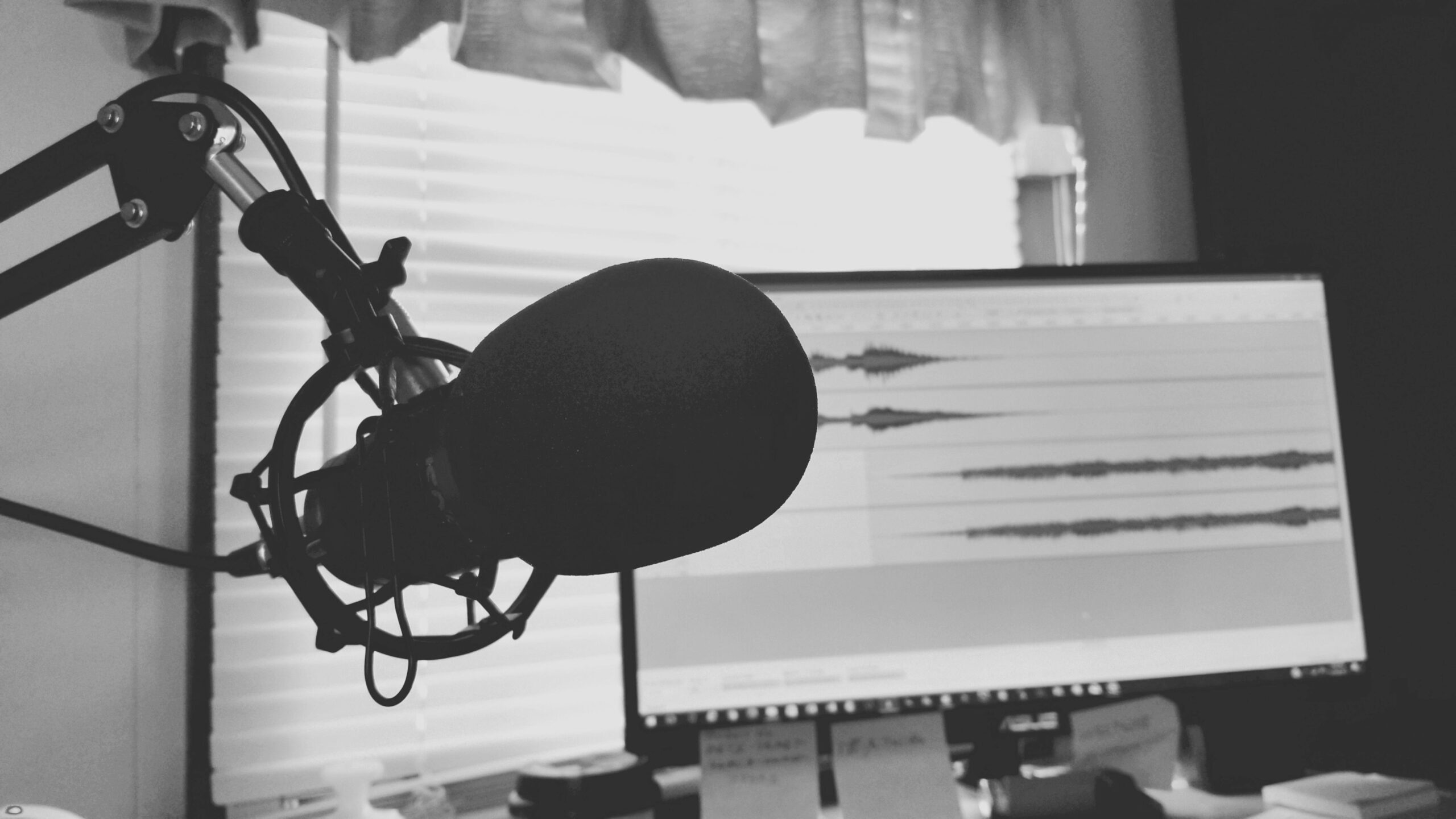
Your radio station should be available when your listeners want to hear it.
That does not mean a DJ has to sit behind a microphone 24 hours a day.
Broadcast automation allows your station to continue playing music, recorded shows, station IDs, promos, and other programming when nobody is broadcasting live.
For stations that want a consistent schedule and an always-available stream, automation becomes one of the most important parts of the operation.
This guide explains what broadcast automation is, how cloud and desktop automation differ, how live shows work alongside automated programming, and how to build an automation setup that fits your station.
What Is Broadcast Automation?
Broadcast automation is software that manages radio programming without requiring a live presenter to control every track or show manually.
Depending on the system, automation can:
Play music from scheduled playlists
Insert station IDs and imaging
Schedule prerecorded shows
Control when different types of programming air
Manage transitions between audio files
Keep programming running between live broadcasts
The goal is not to replace live DJs.
The goal is to give the station a reliable programming foundation for the hours when nobody is live.
Two Main Types of Broadcast Automation
Desktop Automation Software
Desktop automation runs on a local computer.
Applications such as SAM Broadcaster, RadioBOSS, RadioDJ, and other radio automation programs can manage music libraries, rotation rules, schedules, carts, prerecorded programming, and live sources.
This type of software can provide detailed control over the station’s programming.
For example, you may be able to create rules controlling artist repetition, music categories, scheduled events, and different programming throughout the day.
The tradeoff is that the automation depends on the computer running it and the internet connection sending the resulting stream to your hosting server.
Cloud Broadcast Automation
Cloud automation runs from your radio hosting platform instead of from your local broadcast computer.
You upload your audio library to the server, build playlists, create schedules, and let the hosting platform continue broadcasting from the cloud.
Your personal computer does not have to remain on for the automated programming to continue.
TTT Radio Network provides station automation as part of its radio-platform capabilities.
Cloud automation is especially useful for stations that want their programming to continue even when the studio computer is offline.
Why Broadcast Automation Matters
Your Station Can Remain Available Between Live Shows
Without automation, a station that depends entirely on live broadcasting may have nothing playing when the live encoder disconnects.
That creates long periods when a listener may arrive and find no programming.
Automation fills those gaps.
It Creates a More Consistent Schedule
You can decide what type of programming should air at different times and build a predictable schedule around it.
For example, you might run upbeat music in the morning, your main rotation during the afternoon, specialty programming in the evening, and slower programming overnight.
The exact schedule should reflect your station rather than follow a generic formula.
It Helps Listeners Build a Habit
Consistency matters in radio.
If listeners know they can tune in at a particular time and hear the kind of programming they expect, it becomes easier for the station to become part of their routine.
Automation helps maintain that consistency when nobody is available to broadcast live.
It Makes Promotion More Useful
Social media posts, website traffic, directory discovery, word of mouth, and other promotion can send people to your station at any time.
If automated programming is running, those listeners have something to hear when they arrive.
Promotion works better when the station is actually available after someone clicks Play.
How to Set Up Broadcast Automation
Step 1: Organize Your Audio Library
Before uploading anything, organize your music, recorded shows, station IDs, promos, and other audio.
Accurate file names and metadata make the library easier to manage later.
For music files, make sure artist and title information is correct whenever possible.
This can improve now-playing information and make rotation rules easier to manage.
Step 2: Upload Your Audio
Upload the files you want available to the automation system.
The amount of storage you need depends on the size of your music library, how many prerecorded shows you keep, and whether you also store live recordings.
Do not choose a plan based on a fixed number of tracks alone.
Audio-file size varies based on bitrate, length, and format.
Step 3: Create Playlists
Build playlists around the way your station actually programs.
You might organize playlists by:
Genre
Era
Energy level
Show
Time of day
Specialty programming
Station imaging
There is no single correct playlist structure.
The best structure is the one that makes your station easy to operate.
Step 4: Add Station IDs and Imaging
Station IDs, sweepers, promos, and jingles help automated programming continue to sound like your station instead of a random music playlist.
Keep these files organized separately so you can control when and how often they appear.
How frequently you use station imaging depends on your format.
Too little branding can make automated hours feel anonymous.
Too much can interrupt the music unnecessarily.
Step 5: Build Your Schedule
Use your automation scheduler to assign programming to the times when you want it to air.
You can schedule different playlists throughout the day or schedule specific prerecorded programs at particular times.
Make sure the schedule does not contain accidental gaps if your goal is continuous programming.
Step 6: Test It
Turn on the automation and listen from another device.
Check that:
The correct playlist is playing
Track metadata is displaying properly
Station imaging appears where expected
Transitions sound clean
Scheduled shows begin at the intended time
Do not assume that everything is working simply because the control panel says the automation is active.
How Live Shows and Automation Work Together
A good automation system should complement live broadcasting rather than compete with it.
When a live DJ connects, the station switches from automated programming to the live source according to the platform’s configuration.
When the live broadcast ends, automation can resume.
This creates a simple operating model:
Automation provides the baseline programming.
Live shows add personality, interaction, and human curation.
The station does not have to choose between automated and live programming.
It can use both.
Broadcast Automation for Music Stations
Music stations can use automation to handle the majority of their non-live hours.
The quality of the result depends heavily on how well the playlists are built.
A large library does not automatically produce good programming.
Organization matters.
Rotation matters.
Metadata matters.
Artist separation and category balance can also help reduce obvious repetition.
Good automation should sound programmed, not simply shuffled.
Broadcast Automation for Talk and Community Stations
Talk and community stations may use automation very differently.
Instead of filling most hours with music, they may schedule:
Recorded interviews
Previous live shows
Community announcements
News or information segments
Specialty programs
Music between shows
Long-form prerecorded audio can become part of the regular station schedule just like a live show.
Broadcast Automation for Churches and Religious Stations
Religious broadcasters can use automation for sermon replays, devotional programming, gospel music, announcements, Bible studies, prerecorded services, and other recurring programming.
A live service captured through live stream recording may later be scheduled for replay if the station has the appropriate rights to reuse the recording.
This gives listeners more opportunities to hear programming they may have missed live.
How Much Music Do You Need?
There is no universal minimum number of tracks that makes an automation system sound professional.
The amount you need depends on:
How many hours of music you automate
How often listeners tune in
How long an average listening session lasts
How many genres or categories you rotate
How much repetition fits your format
A tightly formatted hit-music station may intentionally repeat popular songs more frequently than a deep-catalog specialty station.
Build your library around the programming strategy rather than trying to hit an arbitrary track number.
Does Cloud Automation Keep Running if Your Internet Goes Down?
One of the major advantages of cloud automation is that the automated programming runs from the hosting environment rather than your local computer.
If your home or studio internet connection goes down, you may not be able to broadcast a live show from that location.
But the server-side automated programming can continue operating independently of your local connection, assuming the hosting platform itself remains available.
This is one of the clearest differences between cloud automation and desktop automation.
Can You Schedule Prerecorded Shows?
Yes.
Prerecorded shows can be incorporated into an automated schedule just like music and station imaging.
This is useful for syndicated programming, recorded DJ shows, interviews, talk programs, church services, specialty shows, and replays.
The available scheduling controls depend on the platform, so build the schedule around the capabilities provided in your station dashboard.
Broadcast Automation and Live Stream Recording
Automation and recording can work together.
Live stream recording creates recordings of broadcasts.
Those recordings may then become part of your station archive or future programming when you have the appropriate rights to replay them.
This can turn one live show into content that continues providing value after the original broadcast ends.
Broadcast Automation and Your Station Website
Your automation system affects more than the audio stream.
Metadata from your automated programming can help power listener-facing features such as now-playing information and recently played tracks.
Your station schedule can also give listeners a clearer picture of when automated programs and live shows air.
TTT Radio Network’s Web Page Builder gives stations a way to combine the stream, schedule, DJs, shows, requests, recently played information, and other station content in one listener-facing destination.
Broadcast Automation and Mobile Apps
Automated programming also becomes part of the experience inside a branded station app.
TTT Radio Network offers a radio station mobile app builder for creating branded iPhone and Android station apps.
Depending on the station setup, the app can include the live stream, now-playing information, schedules, station branding, social links, contact options, and other listener-facing features.
That means your automated programming is not just keeping the server busy.
It is providing the content listeners hear when they open your website or app outside live-show hours.
How Much Does Broadcast Automation Cost?
The cost depends on the hosting provider and the type of automation being used.
Some platforms include automation with certain hosting packages.
Others sell it separately.
Desktop automation software may also have its own free or paid licensing model.
When comparing providers, calculate the total cost of the station setup you actually need rather than only comparing the base streaming price.
TTT Radio Network Hosting and Automation
TTT Radio Network provides internet radio hosting along with station automation and other station-management capabilities.
The current Starter plan is $19.99 per month.
The current Professional plan is $59.99 per month for stations that need additional capacity and features.
Additional options are available for stations that need more storage, services, branding support, or mobile-app capabilities.
Because plan features and limits can evolve, check the current pricing page for the latest details.
New customers can also begin with a 7-day free trial.
Automation Does Not Replace Good Programming
Automation can keep a station running.
It cannot decide what your station should sound like.
You still need to choose the music.
You still need to organize the library.
You still need to build the schedule.
You still need to decide where live shows fit.
You still need to create station imaging and keep the programming fresh.
Automation handles execution. The station owner still provides the programming strategy.
Your Station Should Be Ready When the Listener Is
The biggest value of broadcast automation is simple.
Your station does not have to disappear when the live show ends.
You can build a programming schedule that continues across the rest of the day and lets live DJs take over when it is time for their shows.
That creates a more complete radio experience and gives listeners more opportunities to tune in.
Visit TTT Radio Network’s station automation page to learn more.
For questions about setting up automation for your station, contact TTT Radio Network at info@tttradionetwork.com.
Automation keeps the station running. Good programming gives listeners a reason to stay.